

Get started in three steps
Step 1: Airtable
Create the fields
Create the fields
Create the automation
Create the automation
Add a new automation on record creation that runs this script:
Handle Identity
Step 2: Fillout
Create the form
Create the form
Go to this Fillout folder, duplicate the form there, and copy to your workspace.
Link it & map it
Link it & map it
Add any customized fields, like Hackatime, and then begin to link all fields to your Airtable.
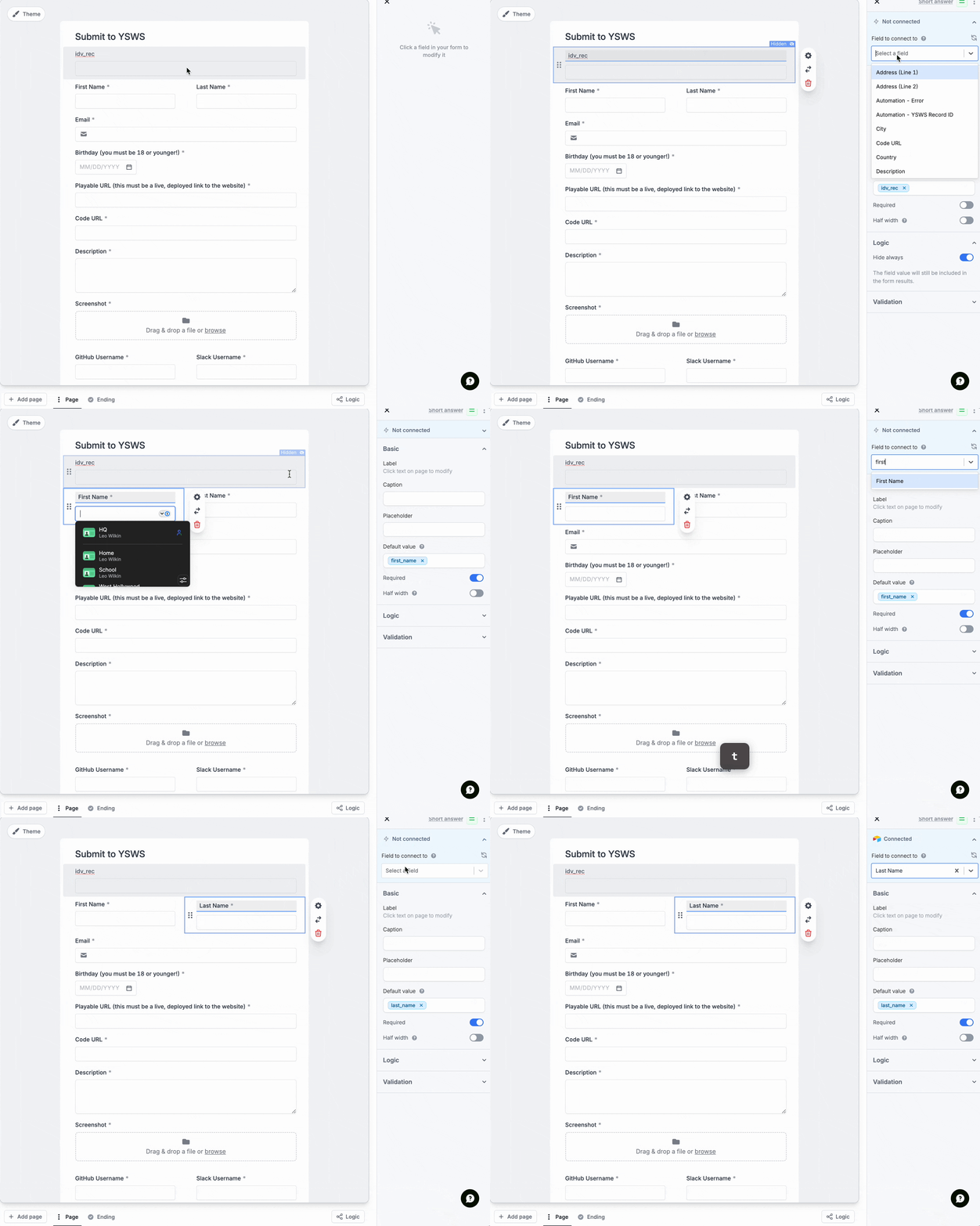
Show mapping GIF
Show mapping GIF
Publish the form
Publish the form
Save your form, and copy the form URL for the next step.
Step 3: Submit
Create a program
Create a program
- Go to submit.hackclub.com/admin/programs and create a new program.
- Add your form URL to the program configuration, as well as the name & description.
- Select the identity scopes you need, and only the ones you need - First name, Last name, and Email.
- Leave Form mappings blank.
Submit Config
Explore more configuration options in the Settings page
Update your YSWS website
Update your YSWS website
Update your YSWS website to use your Submit link instead of your form link. The format is
https://submit.hackclub.com/yourprogramslug, where yourprogramslug is the slug you set when creating the program.Next steps
Now that you have Submit up & running, explore these bonus features:Customize style
Make your auth page match your YSWS’s brand perfectly.
API documentation
Read more about custom implementations of the API.
Need help? Ask in #submit-help